In my previous post I wrote about Tiles view with CQWP. You can also achieve this using Client Side Rendering (CSR examples by Wesley).
I wanted my custom list to have Tiles view:
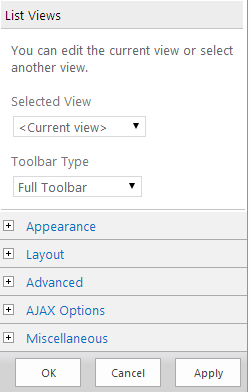
I created a Javascript Display Template file & uploaded to the masterpage gallery and set the JS Link in the Miscellaneous section.
Below is the sample CSR code (update the styles..):
CSS:
Note: I have the DisForm hard coded, I couldn't find a way to get the DisplayUrl property like in REST. I shall update this when I come across a better way.
Output:

I wanted my custom list to have Tiles view:
I created a Javascript Display Template file & uploaded to the masterpage gallery and set the JS Link in the Miscellaneous section.

Below is the sample CSR code (update the styles..):
CSS:
Note: I have the DisForm hard coded, I couldn't find a way to get the DisplayUrl property like in REST. I shall update this when I come across a better way.
Output: